Figma Auto Layout
01 Introduction
This microlearning module helps web developers grasp Figma’s Auto-Layout feature by building on their existing knowledge of the CSS box model.
Overview
Role
Learning Experience Designer
Duration
3 Weeks
Tools
Storyline Rise, Figma, Camtasia
Audience
Novice Web-Designers
Deliverable
Articulate Rise Microlearning Course
02 Problem
Developers don’t always need to learn every single feature in Figma. Many of the tutorials online don’t provide guided practice and are not goal oriented.
For busy developers, online learning methods can be passive and irrelevant, especially for web developers that simply want to utilize a single feature to improve their iteration and prototyping workflow.
Problem Question:How can we help developers quickly understand and apply Figma’s Auto Layout to improve their workflow?
03 Research
Research Overview
My research combined one learner interview, empathy mapping, and a competitive analysis to understand how web developers learn Figma.
My learner finds some aspects of online learning overwhelming and prefers concise, goal-oriented learning.
I found that Figma's existing tutorials were largely passive, offering explanations and examples but no opportunities for real-world practice or feedback.
These findings shaped the learning product’s design: a microlearning experience that delivers interactivity and scaffolds the familiar logic of the CSS box model to make Figma’s Auto Layout intuitive, relevant, and efficient for developers.
Persona
My learner was a fellow web-designer that already had some knowledge of Figma but was not proficient with its auto layout feature.
I created a persona to define my learner's goals and pain points to design a focused, empathetic, and tailored learning experience.

Persona: Yuto Inoue
Age: 22
Occupation: web-developer
Summary
Yuto is a freelance web-developer. He's in the middle of his Computer Science degree at CalTech and has been having a hard time managing his web-dev work with his studies.
He thinks Figma could help improve his workflow but is unmotivated to start even an hour long course, especially is he only wants to focus on some aspects of Figma.
Learner Journey
Define
Learner Actions
Notices recurring layout inconsistencies between coded products and Figma designs.
Thoughts
“I keep having to fix spacing and layout. there must be a better way to prototype before I code.”
Feelings
Frustrated but curious.
Pain Points
All of the tutorials the learner finds are not relevant and passive.
Opportunities
Clarify that Auto Layout directly mirrors CSS box model logic. Make learning purpose immediately visible.
Compare
Learner Actions
Searches YouTube tutorials and articles on Figma.
Thoughts
“These are long and focused on design, not dev. I just need the part that matters to me.”
Feelings
Overwhelmed, impatient.
Pain Points
Tutorials are lengthy, lack focus, and offer no practice.
Opportunities
Position my learning product as concise and developer-centric. “Learn only what you need.”
Negotiate
Learner Actions
Debates investing time in learning Figma at all.
Thoughts
“Do I really need to learn this? On top of my work and studies? Ugh.”
Feelings
Disengaged, skeptical.
Pain Points
Feels Figma is for designers; lacks time to filter content.
Opportunities
Offer micro-learning format (10 minutes or less) that respects time and focuses on direct workflow.
Select
Learner Actions
Chooses your microlearning module linking Auto Layout to CSS Box Model.
Thoughts
“This finally connects to how I think. It’s practical and short.”
Feelings
Relieved, motivated.
Pain Points
Pain points resolved.
Opportunities
Reinforce learning through hands-on practice, UDL, and evidenced based learning to build learner confidence.
04 Goal
Backwards Design
Utilizing a backwards design approach, I aligned the content, activity, and assessment to the learning objective.
This utilizes a cascading structure that points back to the main learning goal. In the case with this learning module it was the application of Figma’s Auto Layout.
Learning alignment is the first step in designing a learning experience.
Learning Objectives
Apply Auto-Layout to Organize and align interface elements consistently
Assessment
Content
Content ranges from text, interactive, and video lesson.
Practice & Feedback
Learner can apply knowledge at the end through an embedded Figma file.
05 Ideation
During ideation, I translated user frustrations with long, passive tutorials into opportunities for active, efficient learning. Through brainstorming, I explored ways to connect Figma’s Auto Layout with my learner’s existing understanding of the CSS ox Model.
After evaluating multiple approaches, I selected a concise microlearning format through Articulate’s Storyline Rise.
Style Guide
I created a minimal, accessible style guide focusing on monochromatic color, utilizing the familiar Figma Logo, and a sans-serif typeface for web readability.
#3777C5
#729ACB
#9FC9FC
#343C45
#6F7B8B
#CCD9E9
06 Design Prototyping
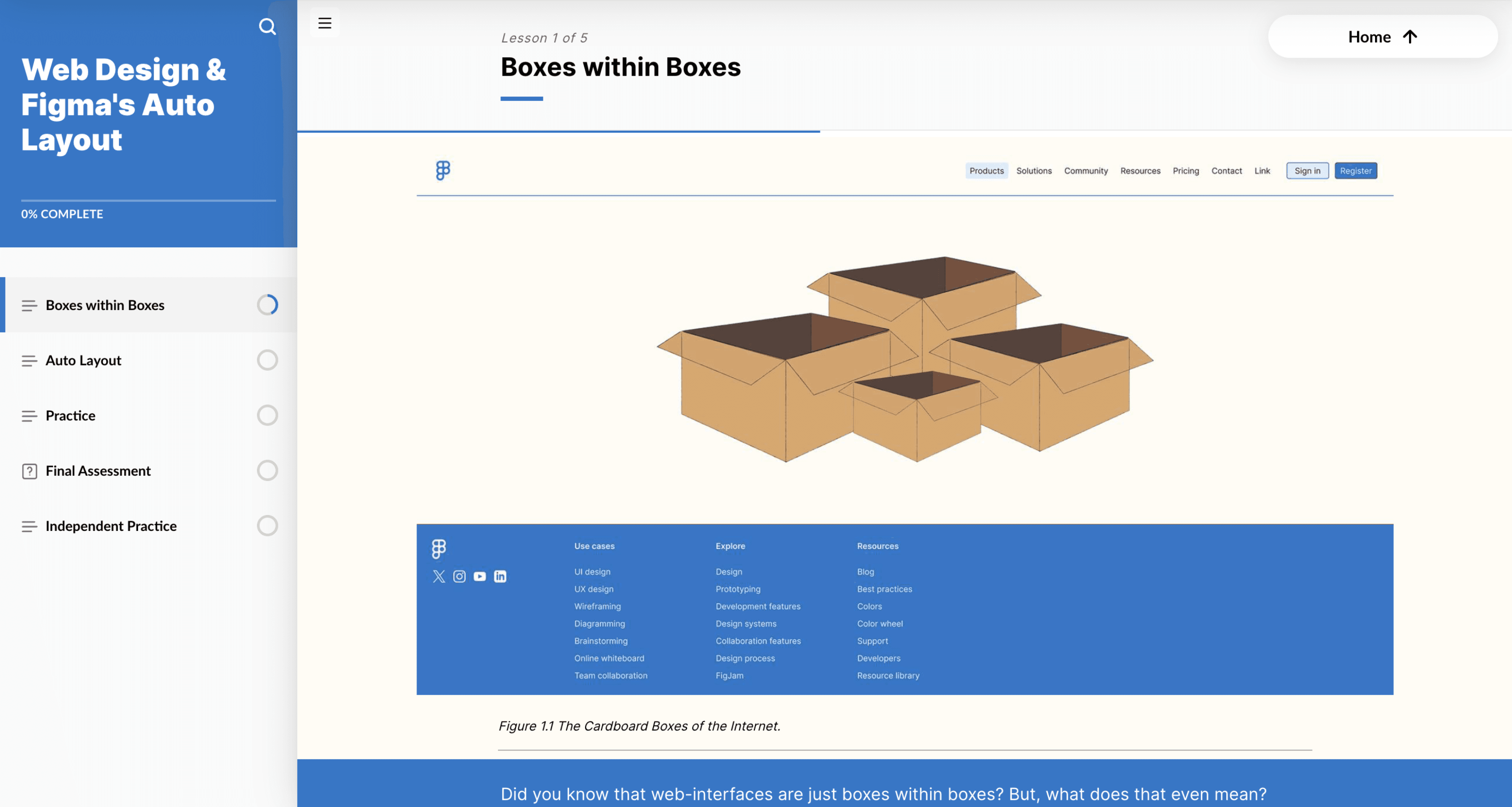
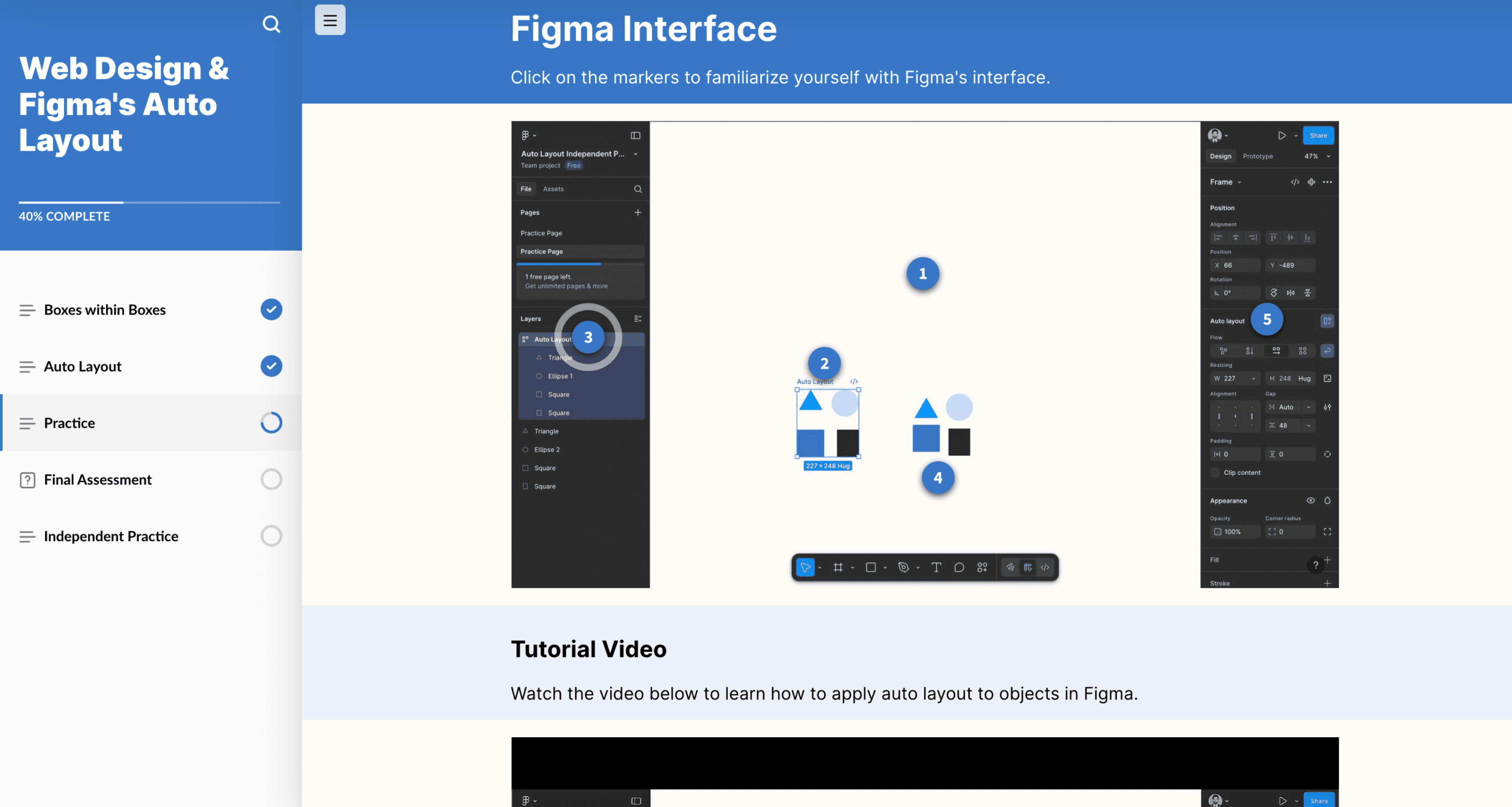
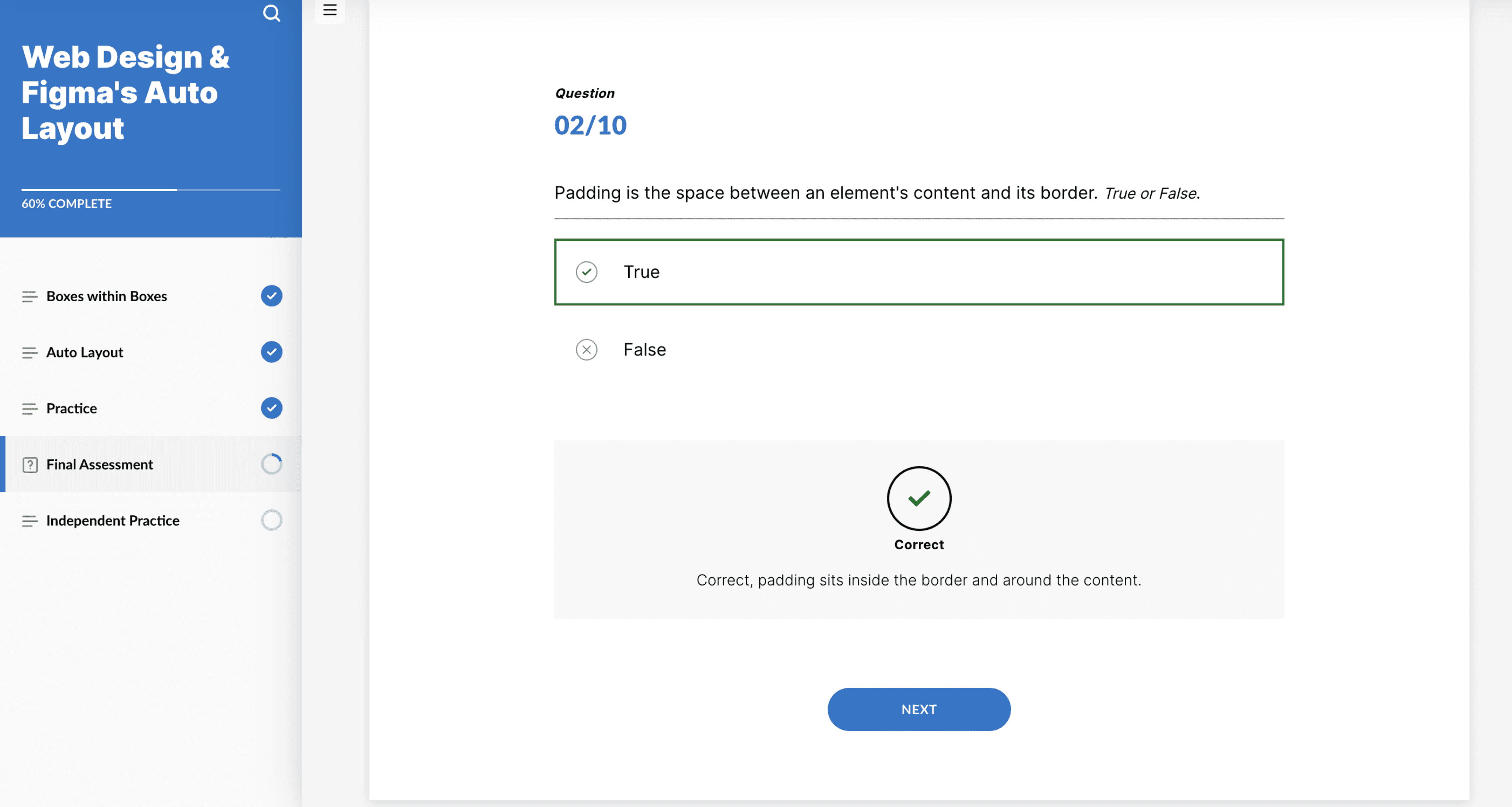
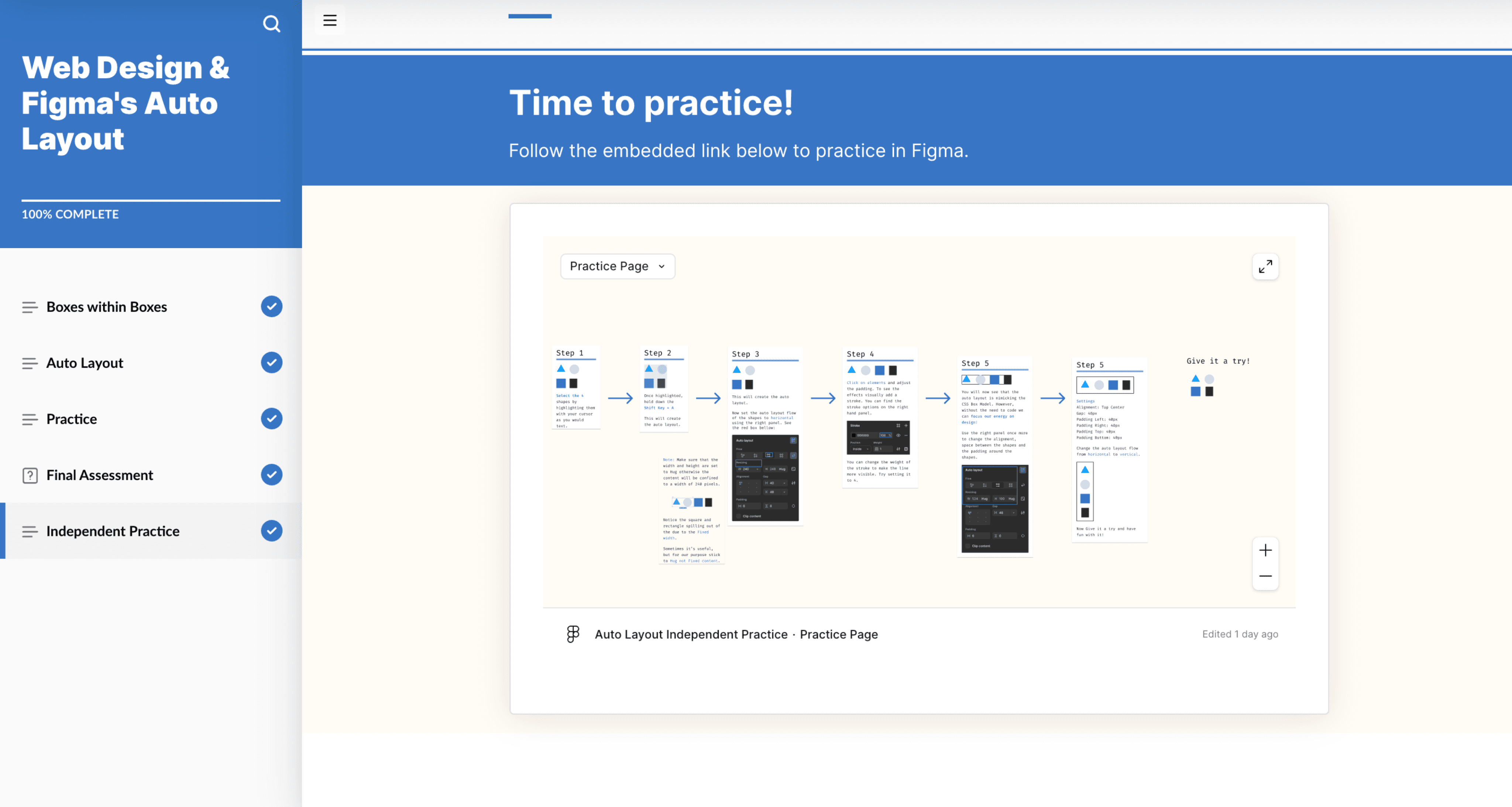
Prototypes were not necessary given Rise is already optimized for responsive learning. Design elements were refined directly within the authoring environment. One of the benefits of utilizing rise is its simple no-code block-based authoring. I did, however, create and customize image assets some of which are in display below.
Images
07 Testing & Iteration
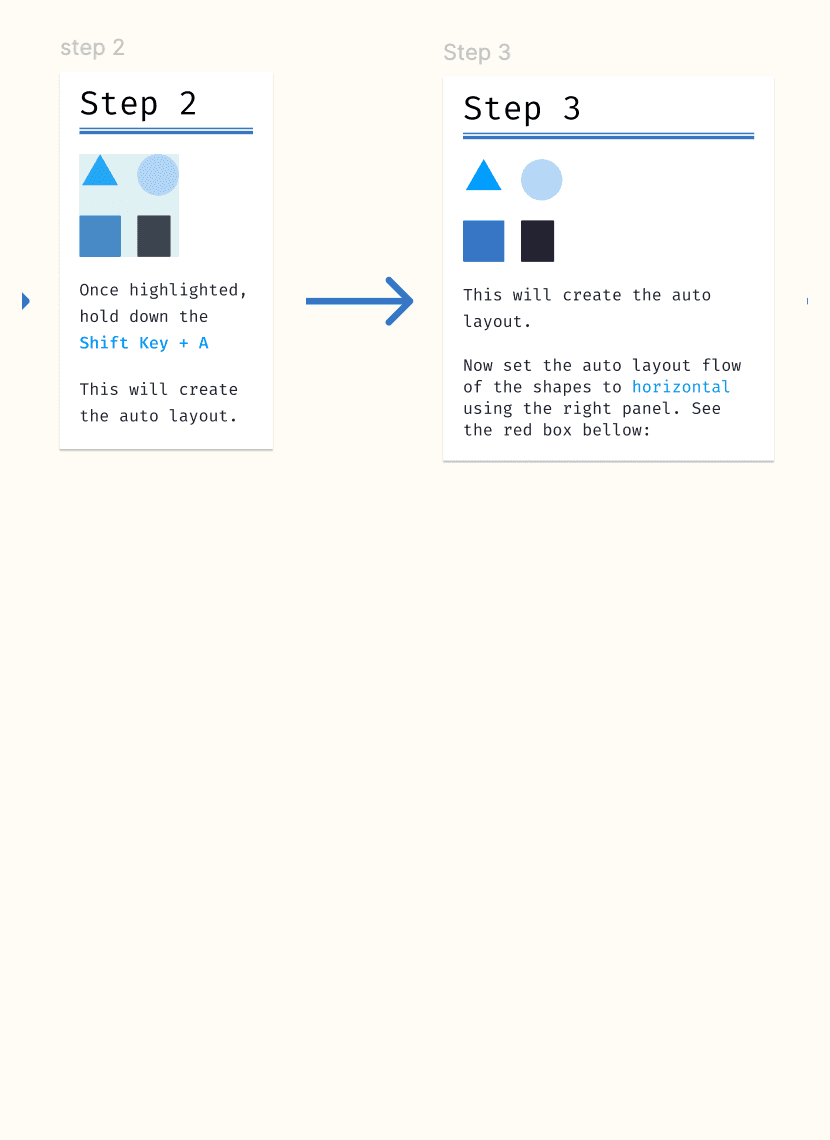
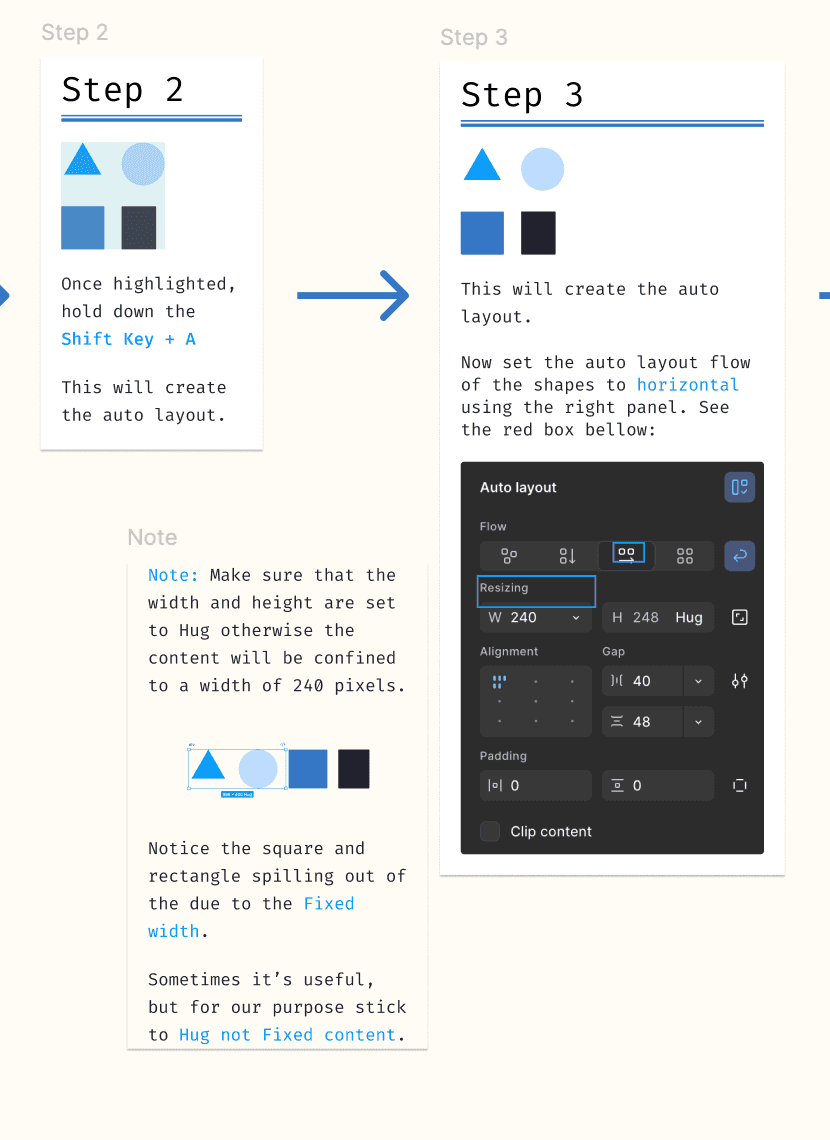
I tested the practice module with one user that had never even heard of Figma and saw strong results. Future testing will focus on refining interactions and improving overall learning effectiveness. One user suggested the addition of images along with the instructions to improve navigation and clarity. I took screenshots and added more detailed instructions.
See the images below:
Before
After
08 Results
Learners new to Figma successfully applied Auto-Layout concepts using CSS analogies, reducing confusion and increasing confidence.
This also helped new learners comprehend the idea of the CSS box model which intrigued many of them.
09 Reflection
Testing showed strong engagement and clear understanding of Auto-Layout.
Next, I’ll refine labeling and expand testing to ensure sustained learning and broader usability.
10 Key Takeaways
Limited time and scope challenged testing depth.
Constraints reinforced clarity, empathy, and focus in design.